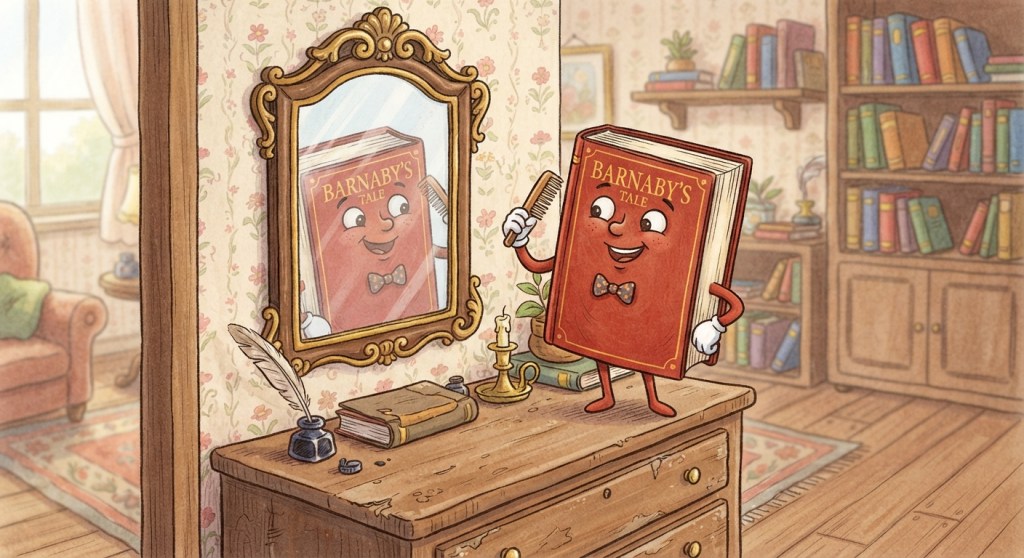
So, when you’re setting up your book, how do you make your ebook — and your printed book for that matter — look good?
The good news is you got options. The bad news is that like everything in life it’s going to cost you either money or time.
Before we get to it, remember that traditional publishing will get you cover, typset the book and put it up for you. While on that, I’d like to throw a cup of reality in your face: traditional publishing will also cost you time AND money.
You see, t getting accepted, if you’ve never been published before, is going to take you a good deal of time. I think the average when I broke in the early oughts was around 3 years. (Yes, I took 13. Part of this was because I spent 10 of those writing in a universe — yes, Elly — that no one wanted to buy. And I didn’t realize it was the universe, so I kept trying to refine the technique and artistry. Yeah. … So, how original is your world? And are you a young person.) As for money, the traditional publishers took, at last check, around 90% of the income.
So, there it is, the easiest option. And it will only cost you time and money. (Control too, though if you’re just starting out you might think that’s just a thing of people who don’t want their book improved by editing. If you go that route you will learn, child. You will most assuredly learn that control is the thing you don’t want to give up. Even if this were the perfect publisher, who always does everything to make you sell more.)
Now, for indie options.
First, of course you can pay someone to typeset your book. This will cost you absolutely no time and if you choose carefully it will give you a good looking book. It does cost money. I have no idea how much it costs now, because there are programs that make it push-button. But in the dark ages, it cost between $200 and $750. I looked at the $750. I drooled. I looked at my wallet and I…
I started out by typesetting books in Word. I already had word, and it absolutely is doable. But it costs a great deal of time.
Look, if you are one of those people who wrote ONE book — say your grandmother’s biography — and are never going to write another, Word is a reasonable way to typeset. It will cost you a lot of time, but for your one and only project it’s worth it, and buying a typesetting program you’ll never use again is a waste.
(Incidentally this is why I use AI for my cover base. I COULD paint it, but it would take me a year or two. And seriously, I don’t have that kind of time when I have books to write. But if it were my one-and-done book, I likely would.)
After that, the most used program I ever heard of is in the Apple ecosystem only and it’s called Vellum. I have never used it, because I’m not on the Apple ecosystem. In fact, my husband tried to transition me into it ten years ago, and my verdict was that I would rather slit my wrists, with a rusty spork, in a lemon juice bath. So, I have no idea. But I know people who use it and love it.
It will cost you money, but only once. And I understand once you’re in the groove it costs you almost no time.
I use — and will recommend — “Atticus, an author’s best friend.” I recommend searching that way, or you’ll get a lot of literary bamf.
It’s a subscription, but a one-time fee. It has almost too many models (I was happy with the first three) and while it’s a little weird to do some things, like insert blank pages, they have the MOST responsive customer service ever. As in when I emailed them about THAT problem, they emailed back and spent three days holding my hand through it.
It will cost you money. I don’t know how much. I subscribed 3? 4? years ago, and it was…. $150, I think. If they’re sane, it’s gone up.
OTOH even for me, who am software-DEclined, it was very much a “oh, so that’s how it works” and then pushbutton. The first book took me a few hours, but after that it was a few minutes. (Well, a little longer because I read over it/check it, duh.)
And that’s the options I know of. If there are others let me know in the comments.
Next week “Keywords make my head hurt” but probably with a better title.



7 responses to “You GOT Options”
Unless it’s changed suddenly, Atticus is one and done and you get free upgrades as they work on things. (Publisher Rocket is also one and done as far as I know) (Atticus usually has a Black Friday sale, too – otherwise it’s $147)
Affinity Publisher can do interiors as well as covers and is a better version of InDesign (InDesign is Adobe and of course subscription) Affinity used to be one and done and is now free if you have a free Canva account. It takes a bit more learning curve to get the fancy stuff, but you can do even more fancy stuff than Atticus. If you are just wanting nice with a few frills, then Atticus is great. There are some Facebook help groups and official support is pretty responsive, as well.
For me – For interior formatting, I went from Word > OfficeLibre > InDesign > Atticus (I did a drive by with Affinity Publisher2). Atticus is by far the easiest. I have fiddled once or twice with Affinty for interiors, as I said, but far prefer it for covers. And I do interiors and covers for Indie authors as well as myself and hubby, so I’ve spent time learning.
Yep. It’s one and done.
My cheapie but painful formatting solution used to be: download amazon print template in the appropriate size. Add placeholder chapters until reach the number of chapters contained in the actual manuscript. Customize front and back matter, copy paste each chapter from scrivener to word. Change all chapter headings from normal text to heading one. Insert linked table of contents at front. Make sure everything’s in the same font, and you now have something you can use for both print and ebook (all amazon requires any more for ebook is a docx with linked table of contents).
Current version is: export manuscript from scrivener, do final copyedit, run a couple of python scripts the ai wrote for me, to do formatting, upload, fix the one or two places where the ai version overshoots the print margins (yes, I need to go back and have Claude fix the script but at one italic f per manuscript it’s easy to work around), fight with the print cover size (even using Amazon’s templates somehow they always come out 5 times bigger than Amazon wants them), and then lean back and leave a sigh of relief when it’s all done.
I’ve been using Vellum for a while for ebooks. My first go with formatting print will be in the next few weeks, and I’m curious to see how it goes.
And the thing that struck me in the illustration was that magical mirror that reverses text without reversing anything else. Eek. Maybe it is AI or something.
It is AI. LOL.
I did my first 3 paperbacks myself, and it was…, painful. Not awful but painful. Part of that is probably that I’m an Apple user (used M$oft at work, but my wife was a dedicated Apple devotee, and now I have her computers). At Fencon, I met Jon van Stry who turns out paperbacks like he has a crank, and tried using his methods, but, again, he’s a Windows guy, and everything didn’t translate directly.
I’ll have to try this Vellum thing some of the Huns recommend. Thanks.